G Switch 4
New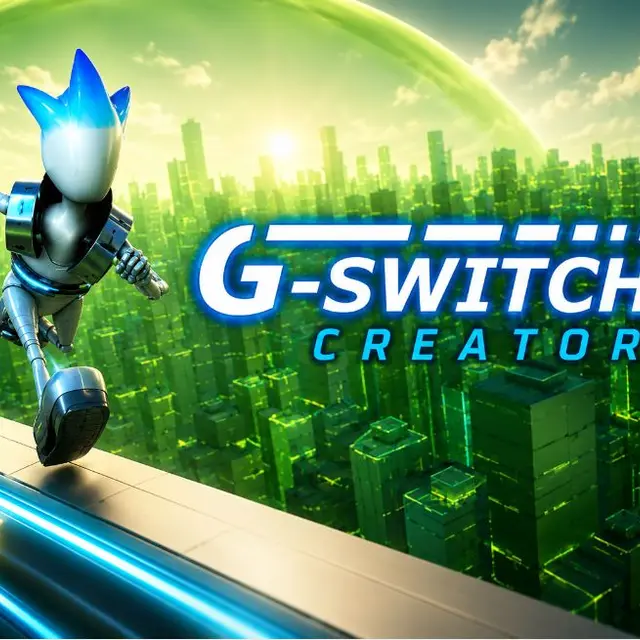
- Genre Arcade games
- Players 1–2
- Session 5 min
- Price Free
- Updated
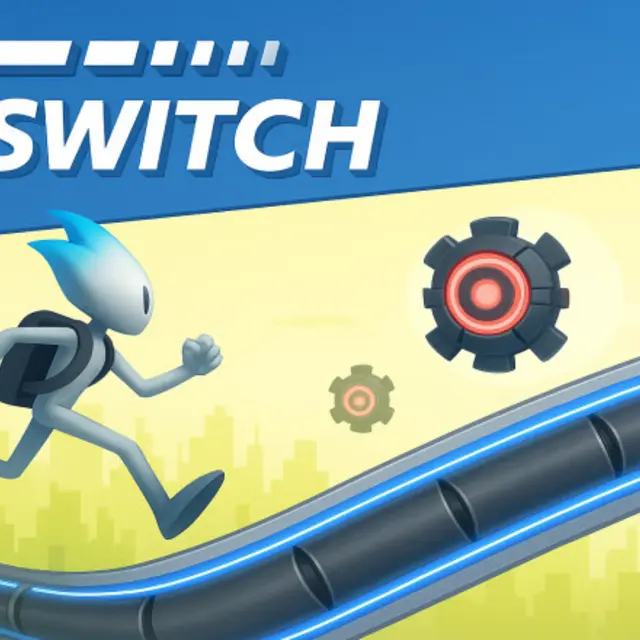
The latest entry in the gravity-flipping runner series, and it does what a fourth instalment in this shape should: keeps the single input and sharpens the level design. The alternation sequences are tighter, the stretches where both surfaces are broken are longer, and the courses assume you have the basic flip timing already. That makes it a poor first game in the series and a good one if you have played the others. What is genuinely improved is the readability — the courses are laid out so that the required flip is visible early enough to plan even in the dense sections, which is the thing the harder levels in earlier entries sometimes got wrong. The shared-keyboard multiplayer remains the main attraction, because the format's comedy comes from several people flipping at slightly different wrong moments. The readability improvement is the headline change and it matters. Earlier entries occasionally hid a required flip behind the edge of the screen; here the layouts are drawn so that the decision is always visible in time, which turns unfair deaths into learnable ones.
| Click, tap or Space | Flip gravity |
|---|---|
| Additional keys | Other players on the same keyboard |
| R | Restart |
How to play G Switch 4
- Plan flips from the surface layout ahead rather than from the obstacle in front.
- Flip a fraction early, since crossing takes time.
- Treat both-broken stretches as their own skill; they need a flip in mid-air.
- Ignore the other runners in multiplayer and watch only your own.
- Restart immediately, because the rhythm is what carries.
Tips
- The courses are readable if you look far enough ahead; panic is what makes them feel unfair.
- Longer alternation runs are easier at a steady rhythm than at maximum speed.
- If you are new to the series, the earlier entries teach the timing more gently.
Questions about G Switch 4
Is it harder than the previous games?
Yes, the courses assume the basic timing already.
How many inputs?
One per player.
Can several people play?
Yes, on one keyboard.
Is it readable at speed?
Yes, the layouts are designed to be seen early.
Does it work on a phone?
Single player yes; multiplayer wants a keyboard.
Does it need installing?
No, it runs in the browser.
Should I play the earlier ones first?
If you are new to the format, yes.
What is actually improved over the third game?
Mainly course readability, so the hard sections are demanding rather than unfair.