Ragdoll Flip
New
- Genre Skill games
- Players 1
- Session 4 min
- Price Free
- Updated
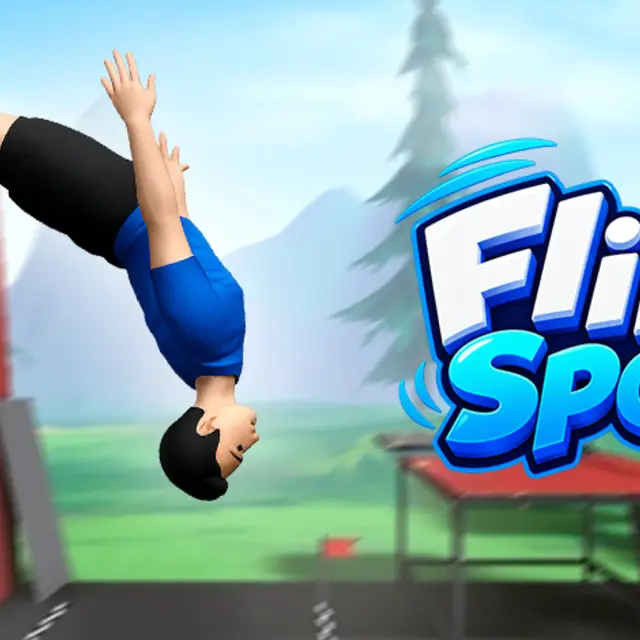
One trampoline, one body and one decision per bounce: how much rotation to commit to before gravity takes the choice away. The character is not a rigid sprite, so arms and legs move independently and shift the centre of mass in mid-air. That is the whole difficulty. A rotation that looked clean at the apex arrives a fraction late, the shoulder touches down before the feet, and the run is over.
| Mouse or Space | Hold to add rotation, release to stop it |
|---|---|
| Touch | Press and hold anywhere on the screen |
| Restart | Instant retry after a bad landing |
How to play Ragdoll Flip
- Bounce once without touching anything to feel the rhythm of the trampoline before adding rotation.
- Commit to a single flip first. The scoring rewards a chain of clean landings far more than one spectacular attempt.
- Release the input early rather than late. The body keeps turning after you stop feeding it, and beginners almost always overshoot.
- Watch the feet, not the head. Landing is judged from below, and the head crossing the horizon means nothing.
- Add a second rotation only once single flips have stopped failing. The margin narrows sharply with each one.
Tips
- Height is not the goal. A modest bounce with a controlled flip scores better than a huge one that lands on a shoulder.
- Streaks are worth more than any single trick, so bank the safe landing when the angle looks uncertain.
- If a run keeps ending the same way, you are releasing at the same wrong moment. Move the release earlier by a fraction and try again.
Questions about Ragdoll Flip
Why do the limbs matter?
Each one has its own weight and moves on its own. A flailing arm changes your rotation in the air, which is why the same input can land two different ways.
Is one button really all there is?
Yes. Everything comes down to when you start the rotation and when you stop it.
What ends a run?
Landing on anything other than the feet. There is no health bar; a bad landing is simply the end.
Does it work on a phone?
Very well. Hold and release on a touch screen is exactly the same input as the mouse.