Skip It!
New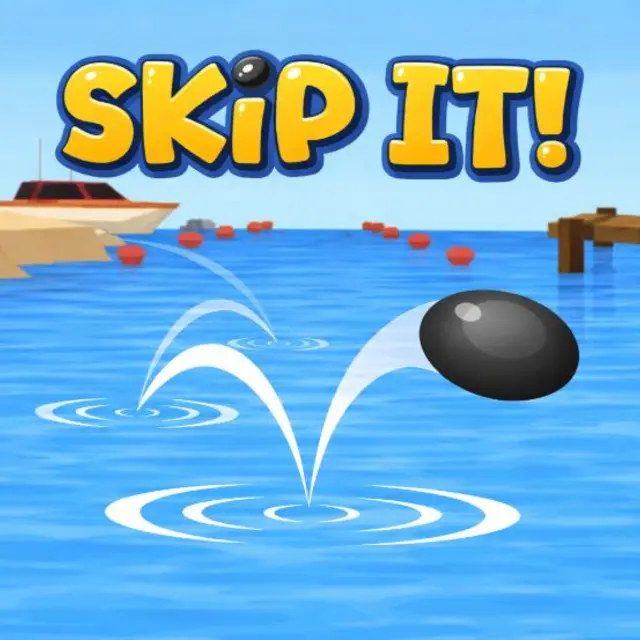
- Genre Skill games
- Players 1
- Session 4 min
- Price Free
- Updated
Skimming a stone across water is a calm thing to do, and this turns it into a distance obsession. The first throws are feeble: a few short hops and a plop. Then the angles start making sense, the taps land on the bounce instead of after it, and one throw begins stretching out across open water like something that is no longer really a stone. By then you have probably unlocked the option to skim a pizza instead.
| Click or tap | Set the angle of the throw, then keep the rhythm going on each bounce |
|---|---|
| Hold | Adjust power before release |
| Menu | Swap the object you are throwing once it unlocks |
How to play Skip It!
- Release flat. A steep throw digs in on the first contact and ends the attempt before it has started.
- Tap on contact, not before. The input window opens the moment the object touches the surface, and anticipating it wastes the bounce.
- Keep the rhythm even. The gaps between skips shorten as speed drops, so the taps have to speed up with them.
- Chase distance markers rather than a perfect run. Milestones are what unlock the throwable objects.
- Swap objects once they open up. Each one carries its own weight and behaves differently on the water.
Tips
- The last few skips are worth the most. A run that is dying will still add distance if you keep tapping cleanly.
- Calm water sections are where a lost rhythm can be recovered. Use them to reset your timing rather than pushing harder.
- Power is less important than angle. A gentle flat throw outruns a hard steep one every time.
Questions about Skip It!
What decides how far a throw goes?
The angle at release and how cleanly you time each bounce. Power helps, but a flat angle with good rhythm beats raw force.
What can I throw?
It starts with a stone and opens up to increasingly ridiculous objects as you pass distance milestones.
Is there a way to lose?
Not really. A throw ends when the object sinks, and the next one starts immediately.
Does it play well on a phone?
Yes. It is one tap per bounce, which suits touch better than a mouse.